
Troubleshooting CDR for AWS 🧐
Overview
In this lab we cover some common deployment issues seen in the field. Only 1 of these errors will be present in your lab setup.
Troubleshooting
In the Vectra UI we currently only see “Setup failure” which doesn’t indicate the issue. In this case Vectra SEs can logon to Grafana to further troubleshoot the issue. Grafana access is only temporary until the errors are displayed in the Vectra UI.
SNS topic needs to be in the same region
From the UI copy the
Source IDto your notes

Logon to Grafana SourceID Dashboard
Enter your
Source ID
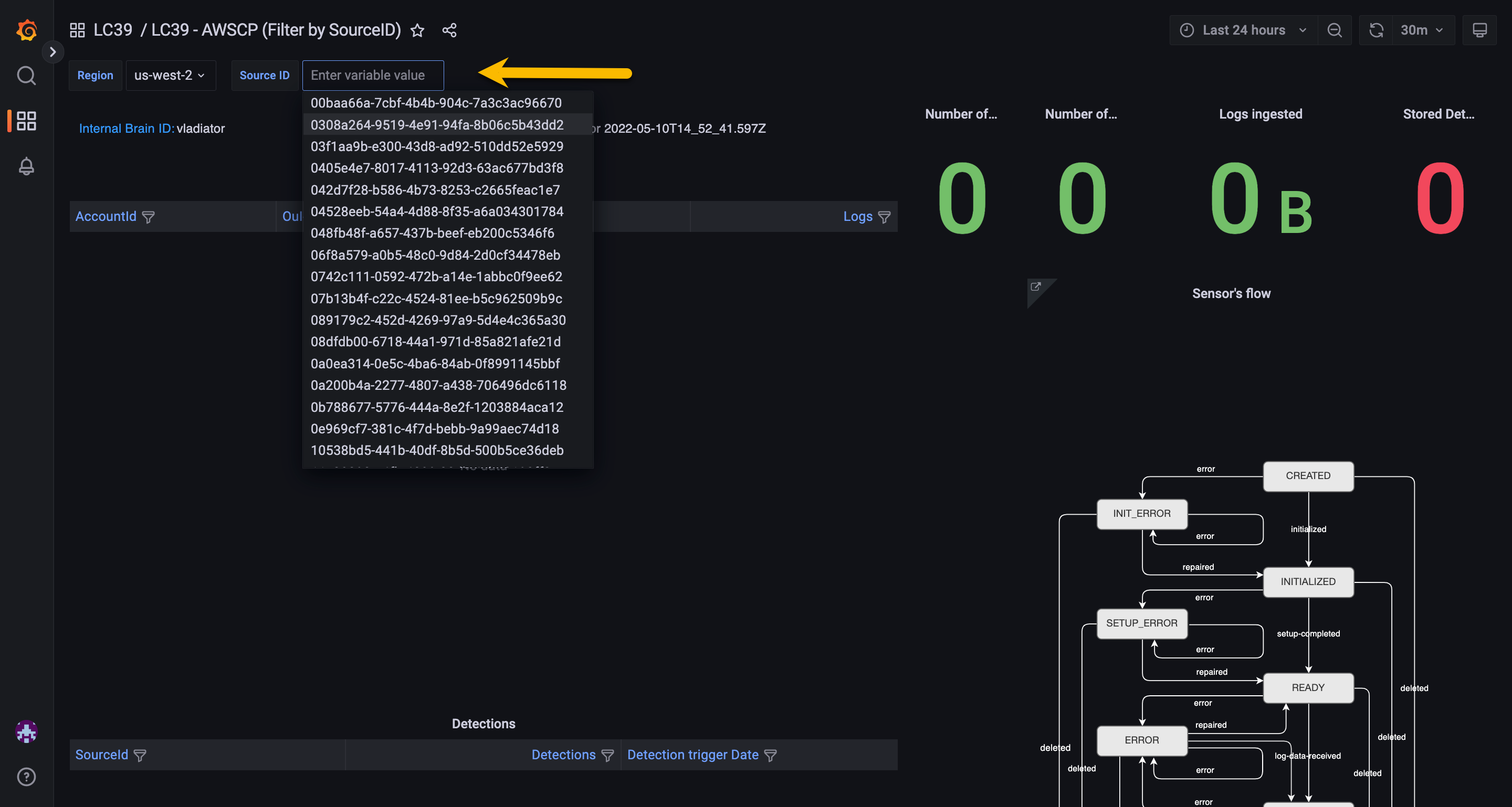
Verify the
Sensor Nameand move your cursor over the red line to view the error
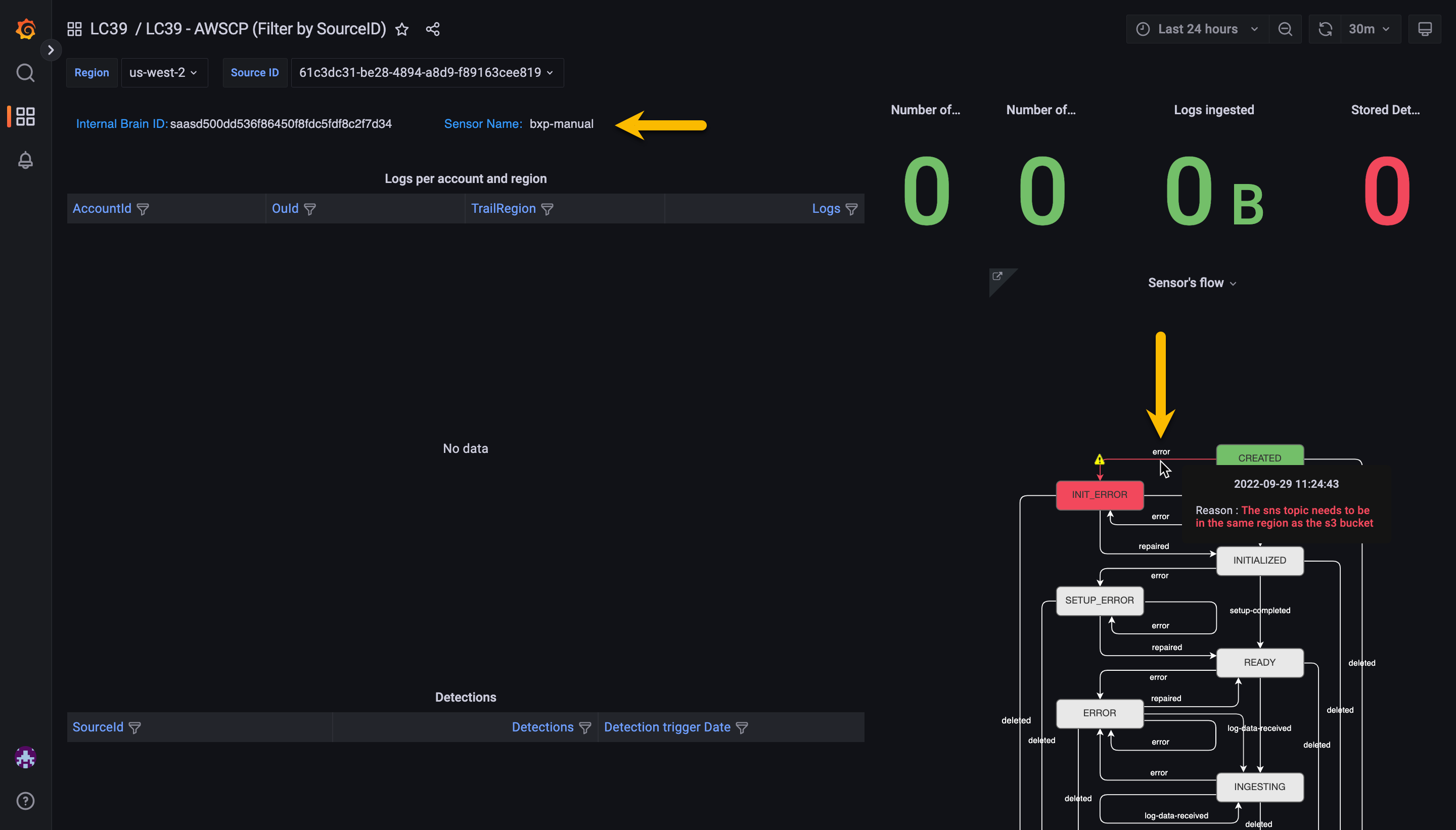
In this example the SNS topic was created in a different region than the S3 bucket. To fix this a new SNS topic will need to be created in the correct region.
S3 bucket already has an event configuration
From the UI copy the
Source IDto your notes
Logon to Grafana SourceID Dashboard
Enter your
Source ID
Verify the
Sensor Nameand move your cursor over the red line to view the error
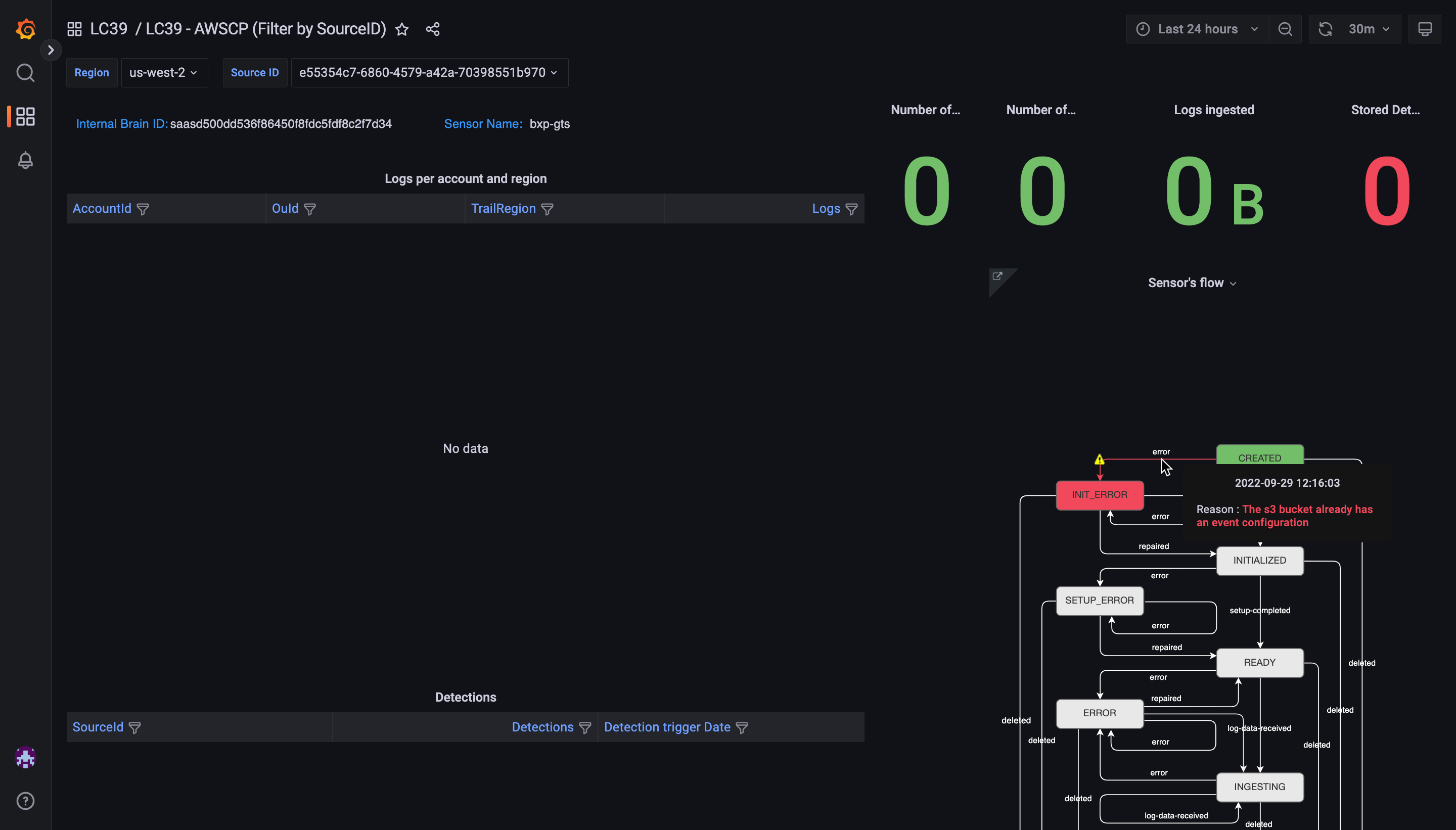
In this example the S3 bucket already has an event configuration. This is common if the CloudTrail S3 bucket is pre existing and being used for other security tools. AWS only allows 1 notification of the same event type per bucket. To fix this reuse the existing SNS topic the bucket.
Gather the existing SNS topic name configured on the bucket
Go to the bucket properties
Click the bucket name
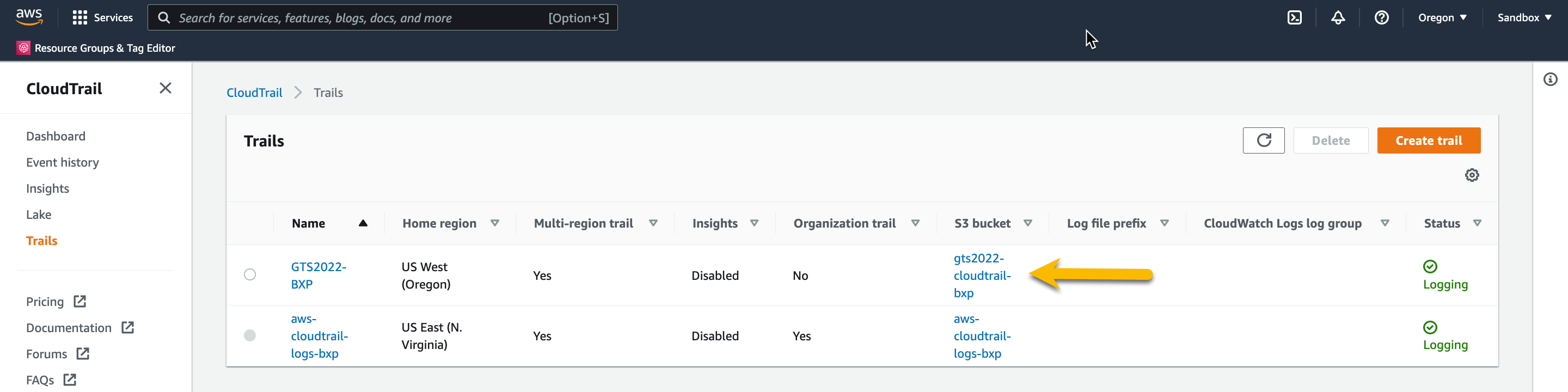
Press the Properties
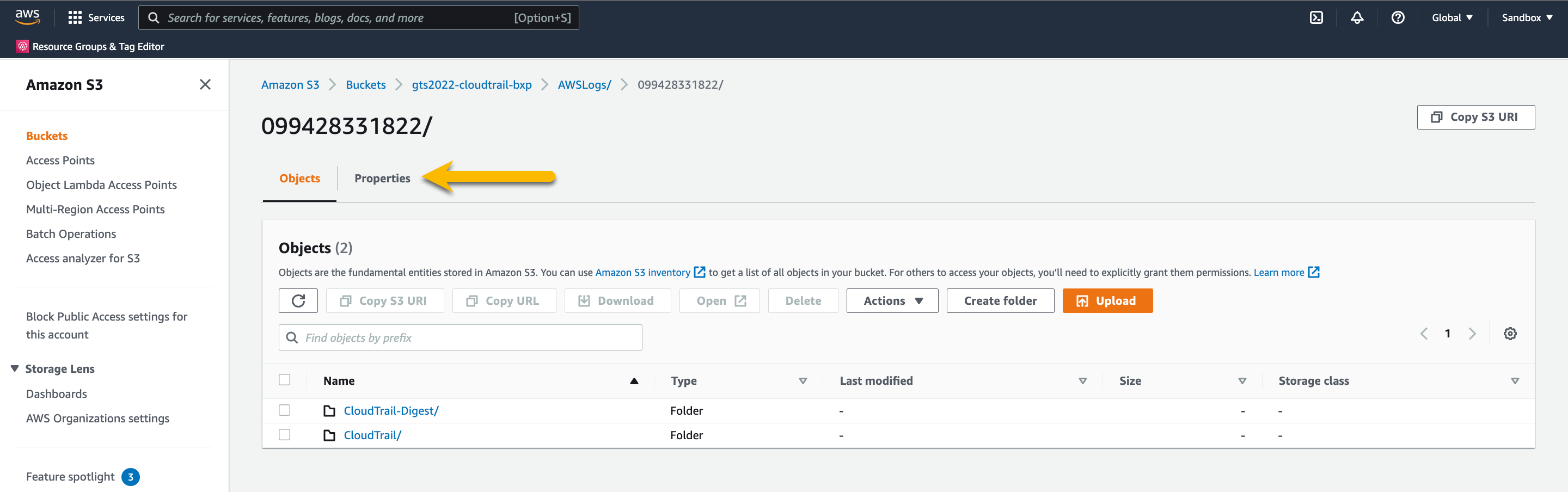
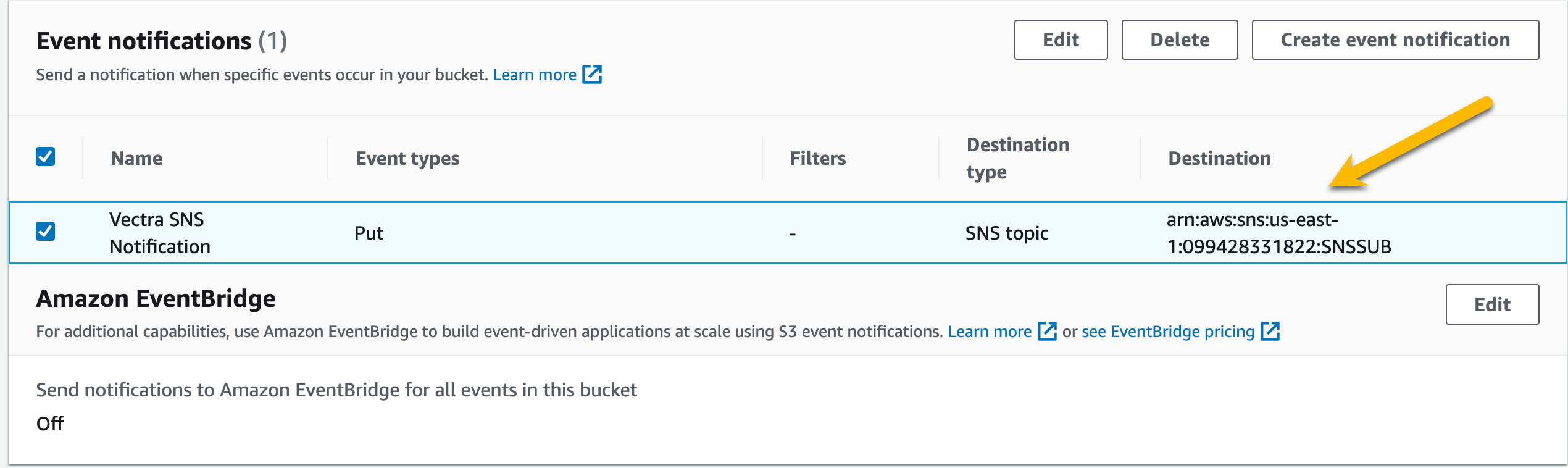
Scroll down to
Event notificationsCopy the
DestinationARN to your notes
Fix the IAM policy to include the existing SNS ARN
Edit JSON and change to the existing ARN
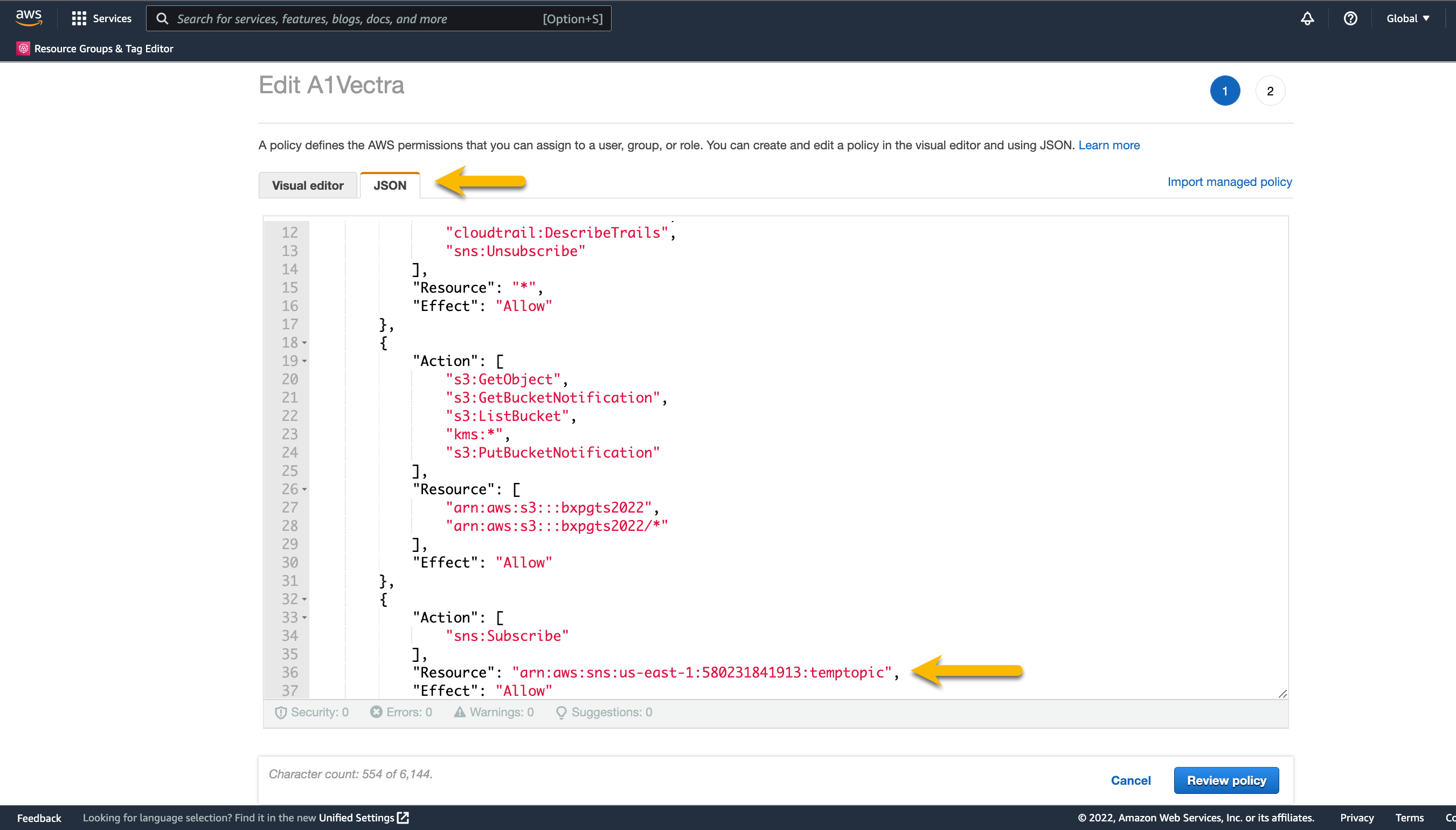
Click
Review PolicyClick
Save ChangesDelete failed connection in DfAWS
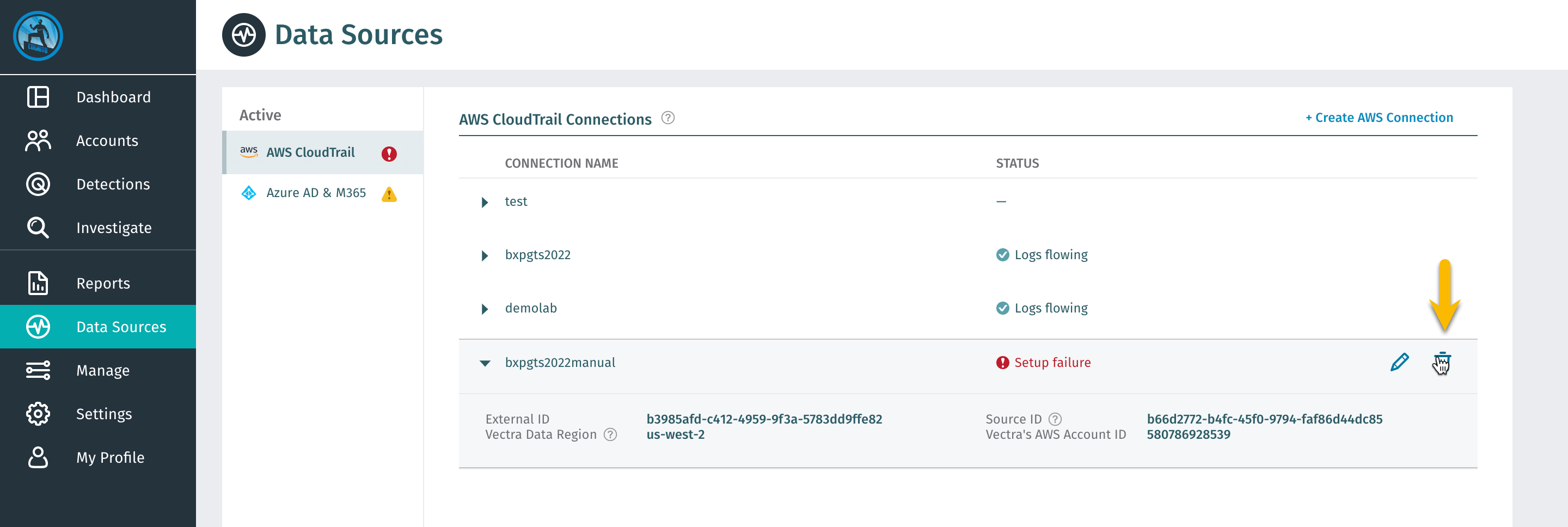
Create a new connection gts-fix-initials
Duplicate Lookup Key
From the UI copy the
Source IDto your notes
Logon to Grafana SourceID Dashboard
Enter your
Source ID
Verify the
Sensor Nameand move your cursor over the red line to view the error
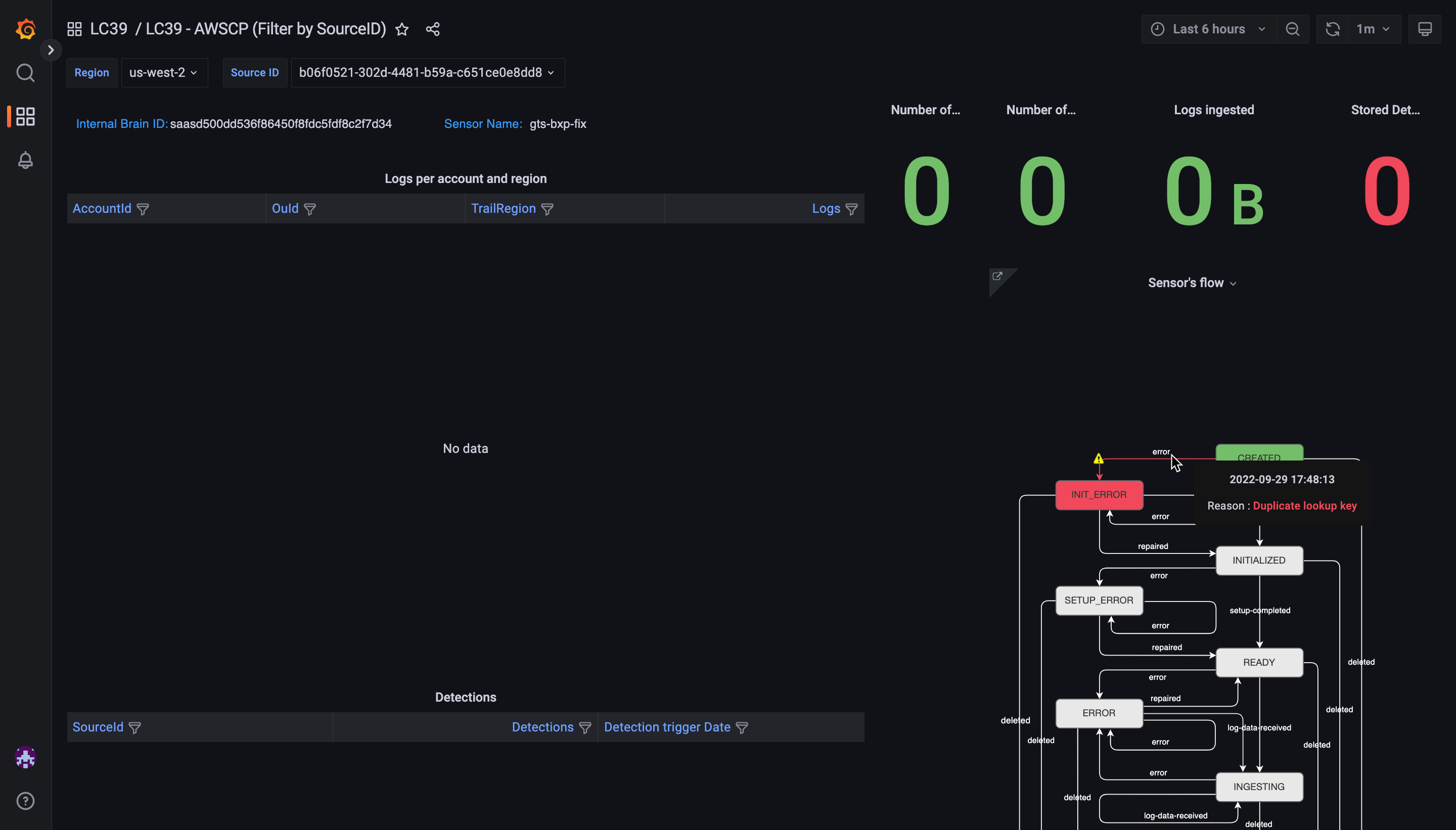
In this example the error is because Vectra is already ingesting data for this bucket.